
1
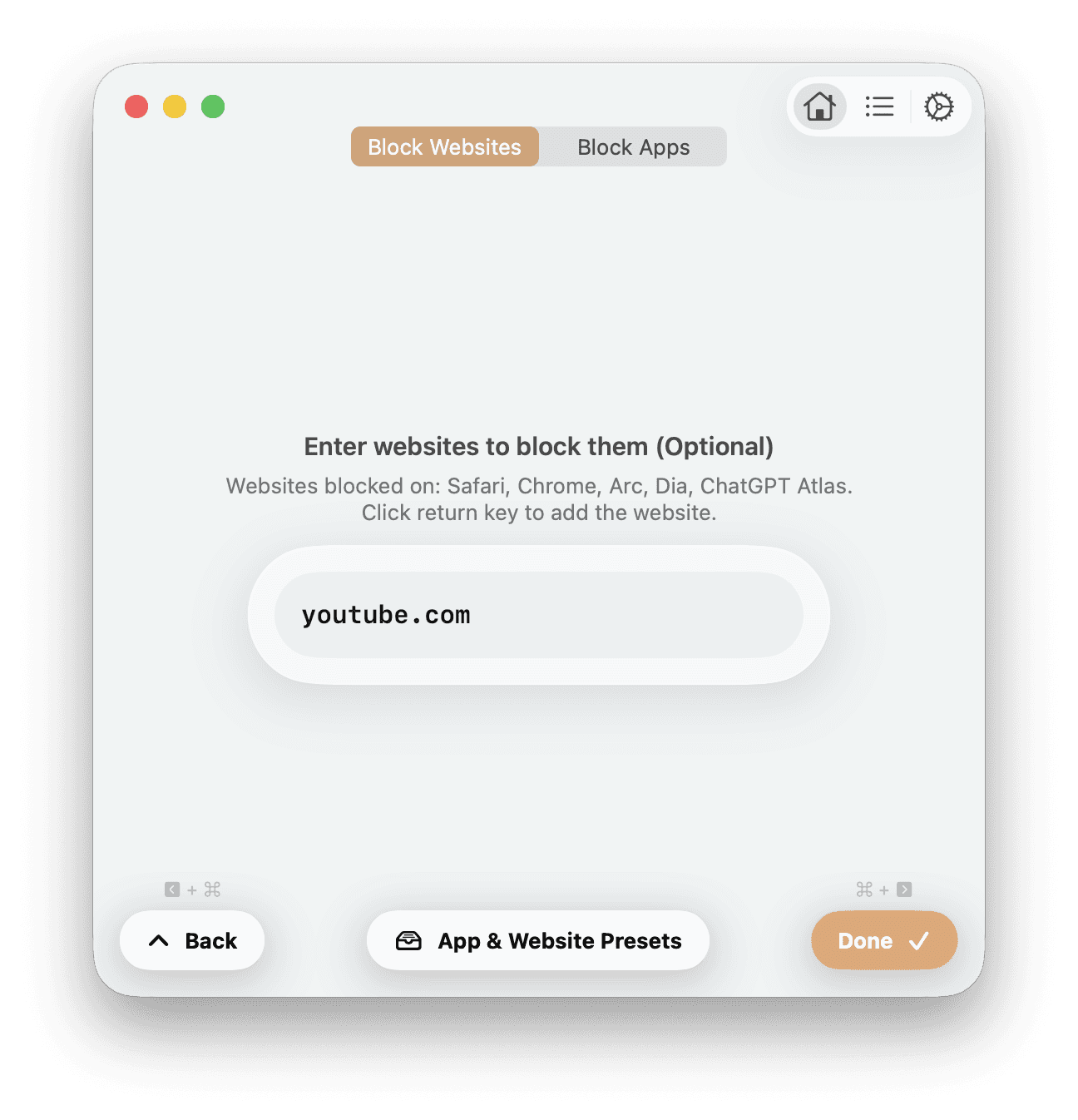
Select websites you want blocked.

YouTube.com

Instagram.com

TikTok.com
2
Select apps on your Mac you want blocked.

3
Watch content blocking magically take place

Highlight Feature
1
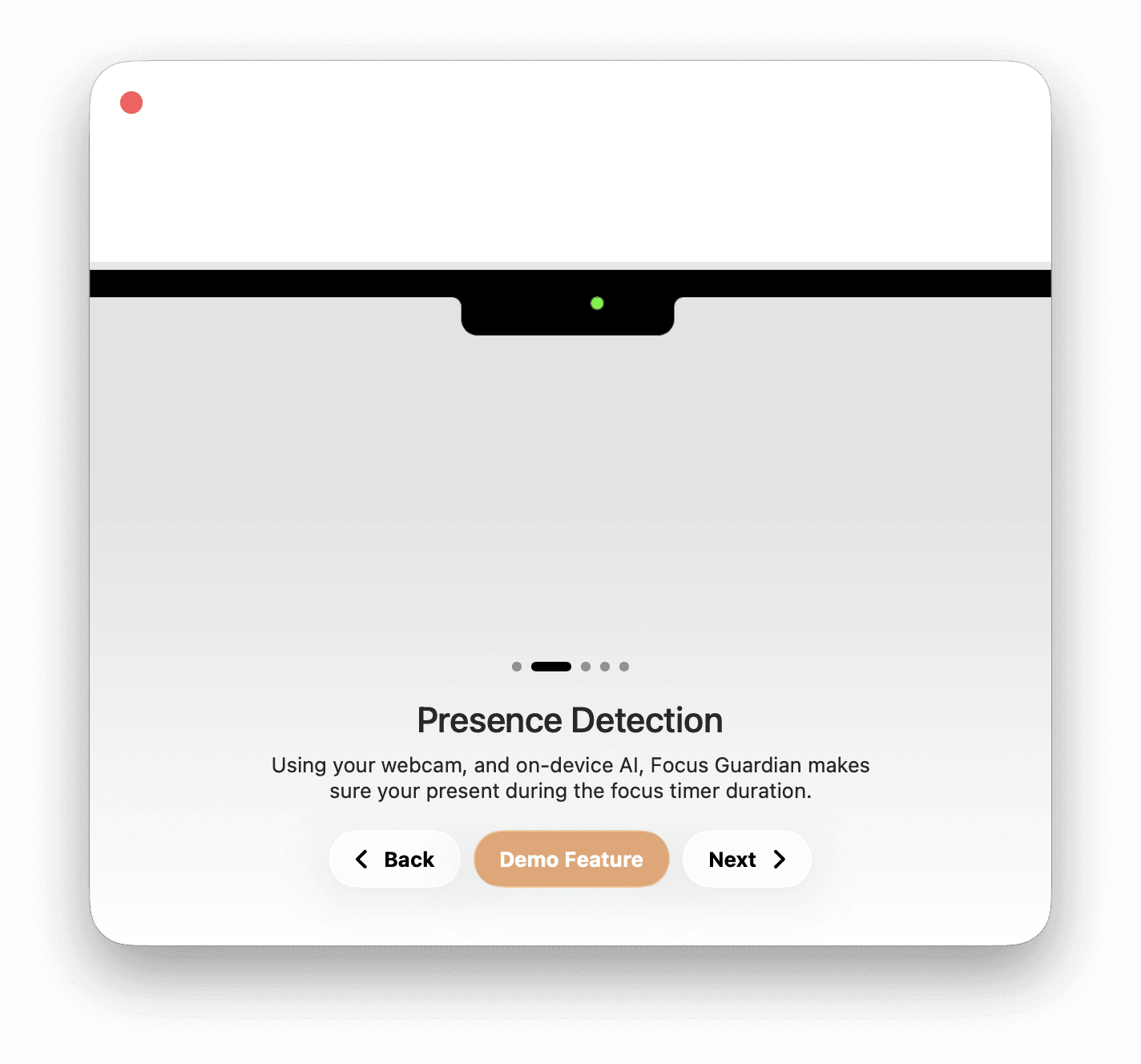
Start your Focus Session, and ensure your Mac has a clear view of your face.
2
Feel tied to your desk until the session ends. If you decide to stop focusing by leaving your computer, presence detection will catch you!

Add breaks to your session with
Pomodoro Timers
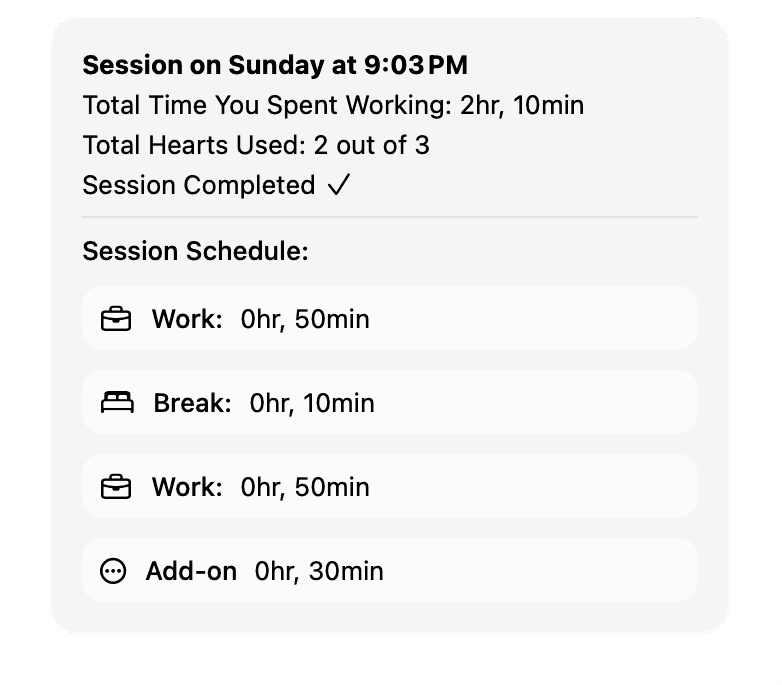
Choose one of three customizable Pomodoro templates, or build your session from scratch by adding your own breaks.

Pick one of our three templetes:
Or
Create your own:
Start from scratch, and add focus and break segments.


An app thats built for
Your Privacy
Presence Detection and Content Blocking run on device.
Focus Guardian's Presence Detection and Content Blocking features run fully on your Mac. This ensures that your camera data, and your app & website usage never leave your device.
User data is saved in your iCloud Account
Focus Guardian saves data on Apple's iCloud, ensuring no one else can access your data, including LockIn.
Always optional
Presence Detection and content blocking can be turned off anytime. As you create your session, simply uncheck Presence Detection, and don't enter content to block.
Coming Soon 👏
Focus Guardian is expected to be released in beta in mid-august and will support any Apple silicon Mac running macOS 26 or later.
